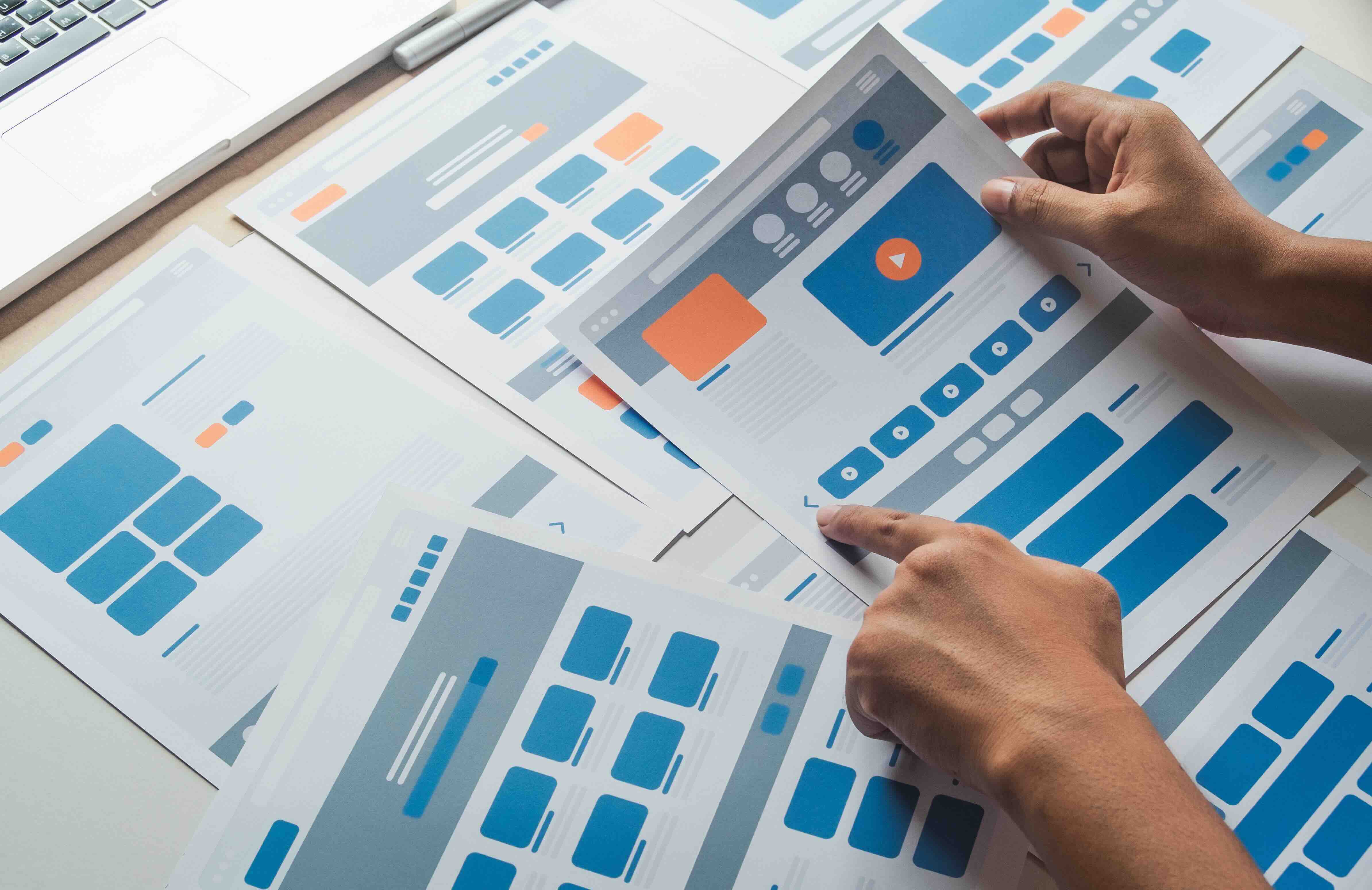
What Is Figma to Webflow and Why Are Agencies Talking About It?
If you have spent any time near a web design or digital marketing team in 2026, you have probably heard this phrase tossed around: Figma to Webflow. At its core, it describes the workflow of taking a visual design built inside Figma, a cloud-based interface design tool, and translating it into a fully functioning, production-ready website on Webflow, a visual development platform. What makes this pairing so compelling for marketing and creative agencies is not just the speed of execution, but the fidelity between what was designed and what actually gets built. The gap between design intent and live output has historically been one of the most frustrating parts of the web development cycle. Figma to Webflow, when done right, closes that gap in a meaningful way.
Understanding the Tools: Figma and Webflow at a Glance
Figma is a collaborative design tool built for modern teams. Designers work inside a browser-based canvas where they can build wireframes, high-fidelity mockups, interactive prototypes, and complete design systems, all in a single shared file. Stakeholders, developers, and account managers can comment directly on designs without needing any software installed. Webflow, on the other hand, is a no-code and low-code web development platform that allows designers and developers to build fully responsive websites using a visual interface that generates clean, semantic HTML, CSS, and JavaScript underneath. Together, Figma handles the visual blueprint and Webflow handles the construction. They are complementary by nature, which is exactly why so many agencies have restructured their production pipelines around this exact stack.
How the Figma to Webflow Process Actually Works
The workflow typically starts with a design system being built out in Figma. This includes typography scales, color tokens, spacing rules, button states, and component libraries. A well-organized Figma file is the foundation of a smooth Webflow build. Once designs are approved, a Webflow developer recreates the layout and interactions inside the Webflow Designer, referencing the Figma file to maintain visual consistency. Some teams use the Figma to Webflow plugin, a tool that allows elements to be imported directly into a Webflow project, which can accelerate early-stage builds. However, experienced teams will tell you the plugin is more of a starting point than a complete solution. Custom interactions, CMS-driven content, and responsive breakpoint logic still require hands-on Webflow development. Think of the plugin as scaffolding, not the finished structure.
Key Advantages for Marketing and Creative Agencies
There are several reasons agencies have shifted toward this workflow with real conviction. The benefits are not just operational, they are strategic.
- Faster time-to-launch without sacrificing design quality
- Tighter alignment between designers and developers throughout the project
- No handoff document bottlenecks or lost design context
- Real-time collaboration across both platforms reduces revision cycles
- Webflow's CMS and hosting infrastructure means clients can manage content post-launch without developer dependency
- Clean code output supports better Core Web Vitals performance, which ties directly to SEO rankings
- Design systems built in Figma translate cleanly into Webflow's style guide and class architecture
- The visual-first approach means client presentations are faster to produce and easier to approve
For agencies managing multiple client projects simultaneously, this kind of structured efficiency is not a luxury. It becomes a competitive differentiator. Clients who have experienced drawn-out handoff cycles and post-launch firefighting respond strongly to a process that prioritizes speed and clarity without compromising the end result.
Common Drawbacks and Honest Limitations to Know
It would not be fair to position this workflow as frictionless, because it is not. There are real limitations teams need to plan around. The Figma to Webflow plugin, while useful for rapid prototyping or simple layouts, does not handle complex components, responsive logic, or nested CMS structures particularly well. Teams that rely too heavily on it without skilled Webflow development backing the process often end up with bloated class names, inconsistent spacing, and layouts that break unpredictably across screen sizes. Additionally, Figma designs that were not built with Webflow's grid and flexbox constraints in mind can require significant rework before they are buildable. This is why the best agencies do not treat design and development as isolated phases. They need to overlap. A designer who understands how Webflow renders components will make better decisions inside Figma. A developer who understands the design intent will build more accurately inside Webflow. The workflow rewards collaboration and punishes siloed thinking.
SEO Implications of Building in Webflow from a Figma Design
One area where the Figma to Webflow workflow has a measurable business impact is search engine optimization. Webflow outputs clean, structured HTML that follows semantic markup conventions, meaning heading hierarchies, alt text fields, meta descriptions, and schema-ready page structures are all accessible without custom coding. When a design is properly mapped in Figma and then built with SEO considerations baked into the component structure, the resulting site tends to perform well at a technical level right out of the gate. Page speed, one of the most directly measurable SEO signals, benefits from Webflow's optimized asset delivery and built-in image compression. Agencies that understand how to carry SEO intent from the design phase through to the Webflow build are delivering websites that rank faster and require fewer post-launch technical corrections.
Practical Tips for Running a Successful Figma to Webflow Project
Getting the most from this workflow requires intentional setup before the first design frame is created. These are the practices that separate clean, efficient builds from chaotic ones.
- Establish a shared design system in Figma before any page designs begin
- Use Figma's auto-layout feature to mirror Webflow's flexbox behavior
- Name layers and components in Figma using a convention that aligns with Webflow's class naming structure
- Define breakpoints in Figma that match Webflow's default responsive breakpoints
- Hold a design-to-development alignment call before any Webflow build begins
- Use Webflow's style guide panel to mirror Figma's typography and color tokens exactly
- Test responsive behavior at every stage of development, not just at the end
- Build CMS collections in Webflow before designing CMS-driven templates in Figma
These steps reduce the number of mid-project corrections and keep the client approval process predictable. In an agency environment where time is directly tied to profitability, this kind of structured setup pays for itself quickly.
When Figma to Webflow Makes the Most Business Sense
This workflow is not the right fit for every project, and knowing when to use it matters. It is best suited for marketing websites, campaign landing pages, product showcases, portfolio sites, and content-driven web experiences where design quality and performance both matter. It works particularly well for businesses that need to iterate on their website frequently without relying on a developer for every content change. It also suits agencies that want to offer a premium, high-craft deliverable without extending project timelines. Where it becomes less ideal is in heavily custom application development, deep e-commerce builds with complex logic, or legacy technology environments with strict infrastructure requirements. Evaluating the project scope honestly before committing to a Figma to Webflow approach ensures the tooling serves the outcome rather than complicating it.
Why Kreativa Group Is the Right Partner for Your Figma to Webflow Project
Figma to Webflow is not a service you want to hand off to a generalist. The workflow demands creative precision, technical fluency, and a deep understanding of how great web design drives actual business outcomes. That is exactly what Kreativa Group brings to the table. Based in Los Angeles and Miami, Kreativa Group has launched over two dozen websites on Webflow for brands ranging from global hospitality and automotive names to high-growth startups, bringing the same level of craft to every project. The leadership team has designed digital experiences for brands like Sandals Resorts, Porsche, Audi, and BMW, and has managed digital growth for multi-billion dollar companies including Newegg, Rakuten, and Fossil Group. That breadth of experience means they understand not just how to build a beautiful site in Webflow, but how to build one that performs. Kreativa Group is among the top one percent of all US-based agencies holding simultaneous certifications as a Google Ads Partner, Amazon Ads Partner, Shopify Partner, and Webflow Partner Agency. They have driven over two hundred million dollars in incremental revenue and average over seven times return on ad spend across their client portfolio. If you are considering a Figma to Webflow project and want a team that treats your website as a growth asset rather than a design exercise, visit Kreativa Group's marketing and creative agency website to learn more, or take the first step by booking a free website and digital growth audit to see exactly where your current web presence is leaving opportunity on the table.
Frequently Asked Questions About Figma to Webflow
What does Figma to Webflow mean?
Figma to Webflow refers to the design-to-development workflow where a website is first designed in Figma and then built as a live, functional site inside the Webflow platform. It is a common production method used by marketing and creative agencies to maintain design fidelity while delivering production-ready websites efficiently.
Do I need a developer to go from Figma to Webflow?
For simple layouts, the Figma to Webflow plugin can reduce manual build time, but a skilled Webflow developer is strongly recommended for responsive logic, CMS integration, custom interactions, and anything beyond a basic static layout. Relying solely on the plugin without developer oversight often results in inconsistent output.
How long does a Figma to Webflow project typically take?
Project timelines vary based on scope, but a well-structured marketing website with a defined design system can move from approved Figma designs to a live Webflow build in two to six weeks. Larger sites with complex CMS structures or custom animations may extend that timeline.
Is Webflow good for SEO?
Yes. Webflow generates clean, semantic HTML and provides accessible fields for meta titles, descriptions, alt text, Open Graph tags, and canonical URLs without requiring code. When paired with a well-structured Figma design that accounts for content hierarchy, the resulting site typically performs well from a technical SEO standpoint at launch.
Can clients edit their Webflow site after it launches?
Yes. Webflow includes an Editor interface that allows non-technical users to update text, images, and CMS content without touching the Designer or any code. This is one of the primary reasons agencies recommend Webflow to clients who need ongoing content flexibility without developer dependency.
What is the Figma to Webflow plugin and how does it work?
The Figma to Webflow plugin is a tool that allows designers to copy selected Figma elements and paste them into a Webflow project, importing basic layout structures, styles, and assets. It accelerates early-stage builds but requires significant manual refinement for responsive behavior, CMS-driven content, and complex component logic.
What types of websites are best suited for Figma to Webflow?
The Figma to Webflow workflow is best suited for marketing websites, landing pages, brand sites, portfolio sites, and content-driven digital experiences. It is less ideal for complex web applications, multi-vendor e-commerce platforms, or projects requiring deep custom backend logic.
How does Figma to Webflow affect website performance?
When executed properly, the Figma to Webflow workflow supports strong Core Web Vitals performance. Webflow's infrastructure includes global CDN delivery, automatic image optimization, and clean code output, all of which contribute to faster load times and better user experience scores, both of which are ranking factors in 2026.
What is the difference between Webflow and WordPress?
Webflow is a visual development platform that generates code natively without relying on plugins for core functionality, resulting in cleaner output and fewer security vulnerabilities. WordPress is a traditional CMS that relies heavily on third-party plugins to extend functionality. Webflow is generally favored for design-driven marketing sites while WordPress has broader applicability for content-heavy or community-driven platforms.
How do I find an agency that specializes in Figma to Webflow?
Look for agencies that are certified Webflow Partners, have a portfolio of live Webflow builds, and can demonstrate a structured design-to-development workflow. Agencies that understand both the design side in Figma and the technical side in Webflow will produce far better outcomes than those treating either tool as secondary.