What Is a Hero Section and Why Does It Make or Break Your Landing Page
The hero section is the first thing a visitor sees when they land on your page. It sits above the fold, it sets the tone, and it decides whether someone scrolls or bounces. In Webflow, this section is both a design canvas and a conversion tool, and when built correctly, it does a significant amount of the heavy lifting your entire marketing funnel depends on. Think of it as your digital handshake. It needs to be firm, clear, and memorable without trying too hard. For B2B companies especially, the hero section communicates credibility, purpose, and direction within seconds. That is not a lot of time, so every element has to earn its place.
Breaking Down the Anatomy of a High-Converting Hero Section
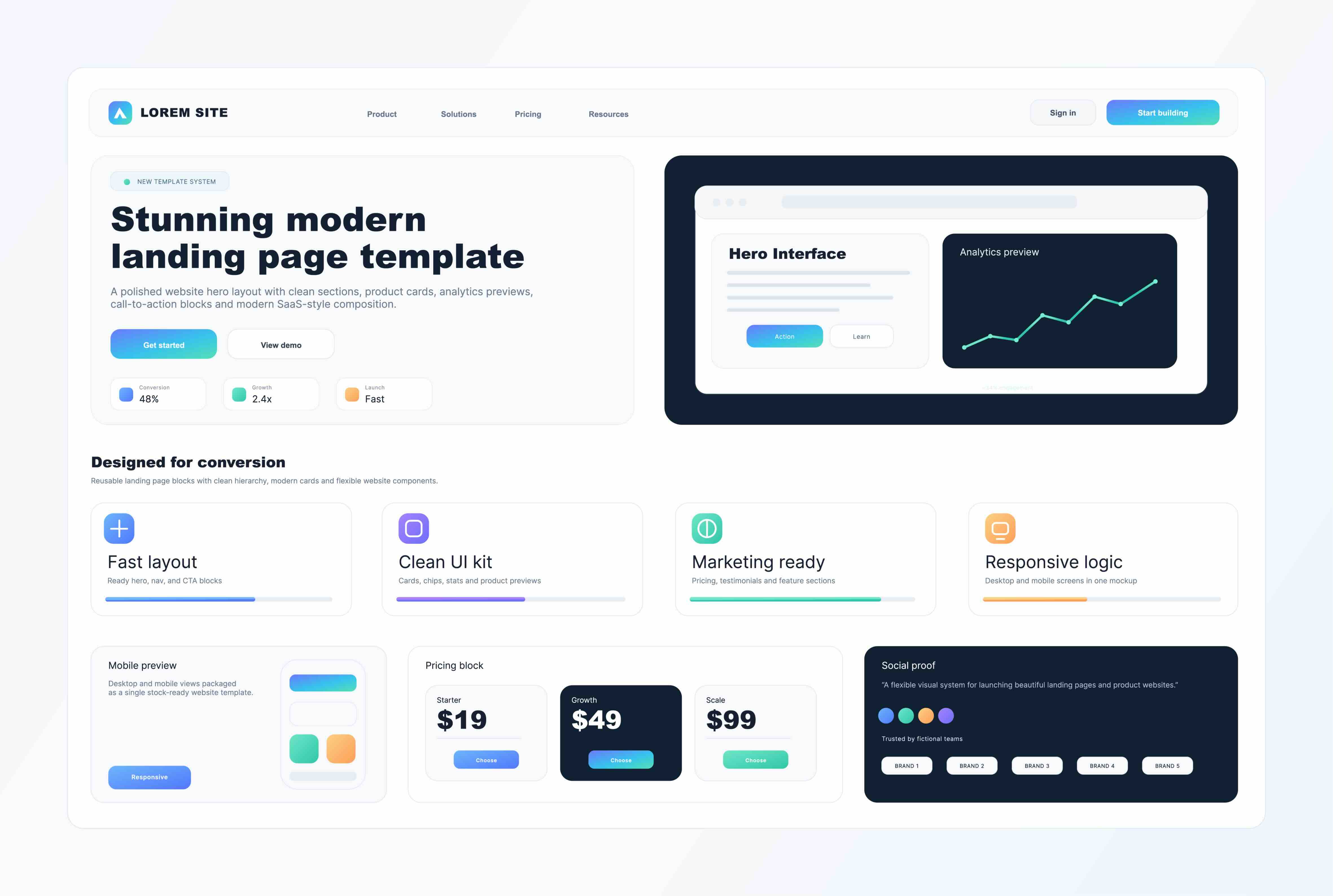
At its core, a well-structured hero section in Webflow is composed of several key elements that work together to create immediate clarity and momentum. The headline carries the primary message, the subheadline provides supporting context, and the call-to-action prompts the visitor to take a defined next step. Beyond copy, the visual hierarchy, spacing, background treatment, and responsive behavior all contribute to how effectively the section performs across devices. In Webflow, designers have granular control over each of these components without needing to write custom code from scratch, which is a meaningful advantage for agencies and in-house teams that want to move quickly without sacrificing precision.
How Webflow Enables Smarter Hero Section Design
Webflow's visual development environment allows teams to construct hero sections using a combination of flexbox and grid layouts, which gives you structural flexibility that is genuinely difficult to replicate at the same speed in other platforms. You can layer interactions and scroll-triggered animations directly within the designer, add dynamic content through the CMS if needed, and preview responsive breakpoints in real time. The platform supports custom CSS overrides when required, but most hero section builds can be completed entirely within the native interface. This is particularly relevant for agencies working across multiple client projects simultaneously, where speed and consistency matter as much as creativity. Webflow's ability to export clean, semantic HTML also means that what you build is accessible and indexable, which has direct implications for organic search performance.
The Strategic Role of the Hero Section in B2B Conversion Funnels
For B2B brands, the hero section is not just a design decision, it is a strategic one. Unlike consumer-facing campaigns where emotion often drives immediate action, B2B buyers are evaluating fit, trust, and relevance before they ever engage. Your hero section needs to answer three questions almost simultaneously: what does this company do, who is it for, and why should I keep reading. A vague or visually cluttered hero section creates friction at the worst possible moment. Webflow gives design and marketing teams the ability to test different headline treatments, swap visual assets without breaking layouts, and implement dynamic content variations that align with different audience segments or paid traffic sources. When your hero section speaks directly to the persona arriving on the page, your conversion rate reflects it.
Key Advantages of Building Hero Sections in Webflow
There are several meaningful advantages to building hero sections specifically within the Webflow environment, particularly for agencies managing client websites at scale.
- No-code flexibility with code-level control allows designers to produce polished results without developer bottlenecks
- Native animation and interaction tools enable scroll-triggered effects, parallax backgrounds, and entrance animations without third-party plugins
- Responsive design controls at every breakpoint ensure the hero section performs across mobile, tablet, and desktop without manual overrides
- CMS integration allows hero content to be managed dynamically, which is useful for A/B testing and campaign-specific landing pages
- Clean semantic output improves accessibility and supports SEO performance from the moment the page is published
These advantages compound over time. The faster your team can iterate on hero section design and the more cleanly your pages are built, the better your overall site performance tends to be, both from a user experience and a search visibility standpoint.
Common Mistakes That Undermine Hero Section Performance
Even in a platform as capable as Webflow, hero sections frequently underperform because of avoidable design and strategy errors. Overloaded headlines that try to say everything at once are among the most common issues. When a headline is attempting to describe the product, the audience, and the value proposition simultaneously, it ends up communicating none of them clearly. Another frequent problem is weak or misaligned calls-to-action. A CTA that reads "Learn More" when the visitor is already primed to act is a missed opportunity. Visual hierarchy errors also create confusion, where the eye does not know where to go first because too many elements are competing for attention at the same priority level. Slow load times caused by unoptimized background videos or large image assets can also tank the hero section's impact before it even renders fully, particularly on mobile connections.
Practical Tips for Optimizing Your Webflow Hero Section
There are several practical approaches that consistently improve hero section performance when applied during the build or audit process.
- Lead with outcome-oriented language in your headline rather than feature-centric descriptions
- Limit your hero section to one primary CTA to reduce decision fatigue for the visitor
- Use Webflow's built-in lazy loading and WebP image format support to keep load times fast
- Test headline and CTA copy variations using UTM-tracked landing page duplicates within Webflow
- Ensure the hero section renders cleanly at the 375px mobile breakpoint, as mobile traffic often represents the majority of initial visits
- Apply contrast ratios that meet WCAG accessibility standards for text over background imagery
These are not complex changes, but they reflect the kind of detail-level thinking that separates high-performing landing pages from average ones. The hero section is a system, and each element within it should be intentional.
Hero Section Design Trends Shaping 2026 B2B Campaigns
In 2026, the visual and functional expectations for hero sections have continued to shift in a few notable directions. Minimalism with motion has become a dominant approach, where layouts are stripped of unnecessary elements but animated with purposeful micro-interactions that guide attention without overwhelming the visitor. Full-screen video backgrounds have become less common as page speed standards tighten and mobile-first indexing penalizes heavy assets. Instead, looping abstract animations built with Lottie or CSS-driven motion are seeing wider adoption inside Webflow projects. Personalization at the hero level is also gaining traction, where landing pages adjust headline copy or imagery based on the traffic source, industry segment, or referral parameter. Webflow's CMS and integration capabilities with tools like Zapier, Make, and custom API connections make this level of dynamic personalization increasingly achievable without enterprise-level development resources.
Why Kreativa Group Is the Right Partner for Your Webflow Hero Section and Beyond
If your landing page is not converting the way your paid media spend deserves, the hero section is usually one of the first places to investigate. Kreativa Group has built and launched over two dozen websites on Webflow and brings a perspective that is equal parts creative and performance-driven. The agency's leadership team has managed paid media for multi-billion dollar brands including Newegg, Rakuten, and Fossil Group, and has designed digital experiences for global names like Sandals Resorts, Porsche, and Audi. That breadth of experience across both brand and performance marketing means that when Kreativa Group designs a hero section, it is built to look exceptional and to convert. To date, the agency has driven over $200 million in incremental revenue with an average ROAS above 7x and a conversion rate averaging 4%, which reflects a disciplined focus on business outcomes rather than surface-level metrics. As a certified Webflow Partner Agency and one of the top 1% of US-based agencies certified across Google Ads, Amazon Ads, and Shopify, the team brings both technical credibility and strategic depth to every engagement. If you are ready to see what a well-built, conversion-focused Webflow landing page can do for your pipeline, explore what Kreativa Group delivers for growth-focused brands or start with a free growth audit to uncover your biggest conversion opportunities.
Frequently Asked Questions About Hero Sections in Webflow
What is a hero section on a landing page?
A hero section is the top portion of a landing page that appears before the visitor scrolls. It typically includes a headline, subheadline, supporting visuals, and a primary call-to-action. Its purpose is to immediately communicate the value of the page and encourage the visitor to engage further.
Why is the hero section so important for conversion rates?
The hero section is often the deciding factor in whether a visitor stays or leaves. Because it is the first thing someone sees, it needs to create immediate clarity and relevance. A poorly structured hero section increases bounce rates and reduces the effectiveness of any paid traffic or organic visits arriving at the page.
Can you build animated hero sections in Webflow without code?
Yes. Webflow includes a native Interactions panel that allows designers to create scroll-triggered animations, entrance effects, and hover states without writing custom JavaScript. For more complex animations, Lottie files can be embedded directly into Webflow projects with minimal configuration.
How do I make my Webflow hero section load faster?
Optimize background images by using WebP format and compressing file sizes before uploading. Avoid autoplay video backgrounds on mobile breakpoints. Use Webflow's built-in lazy loading for below-the-fold assets and limit the number of custom fonts loading in the section.
What should the headline in a B2B hero section say?
The headline should clearly communicate what your business does and who it serves, ideally framed around an outcome the target audience cares about. Avoid generic language and feature-first descriptions. The most effective B2B hero headlines are specific, audience-aware, and directly relevant to the intent behind the visit.
How many CTAs should a hero section have?
One primary CTA is the standard recommendation. A secondary CTA can be included if it serves a meaningfully different audience segment or buyer stage, but the primary action should always be visually dominant. Multiple equally prominent CTAs create decision paralysis and reduce overall click-through rates.
Does the hero section affect SEO in Webflow?
Yes, indirectly. The hero section often contains the H1 tag and some of the most visible copy on the page, both of which influence how search engines interpret the page's topic and relevance. Webflow's clean semantic HTML output also means that content within the hero section is properly indexed without structural issues common to other page builders.
Can Webflow hero sections be personalized based on traffic source?
Yes. While Webflow does not natively support real-time personalization out of the box, dynamic text replacement and conditional content can be implemented through integrations with tools like Webflow's CMS, custom JavaScript, or third-party platforms. This is particularly useful for paid search campaigns where audience segmentation is already defined.
What is the ideal height for a hero section in Webflow?
There is no universal standard, but a common approach is to set the hero section to 100 viewport height on desktop so that it fills the screen on initial load. On mobile, a fixed pixel height or minimum height value is often more reliable to prevent layout issues across varying screen sizes.
How often should I update or test my hero section?
Hero sections should be reviewed whenever there is a significant change in traffic source, audience targeting, product positioning, or campaign messaging. For active paid media campaigns, testing headline and CTA variations on a monthly or quarterly cadence is a reasonable starting point. Persistent underperformance in bounce rate or time on page are signals that a hero section audit is overdue.