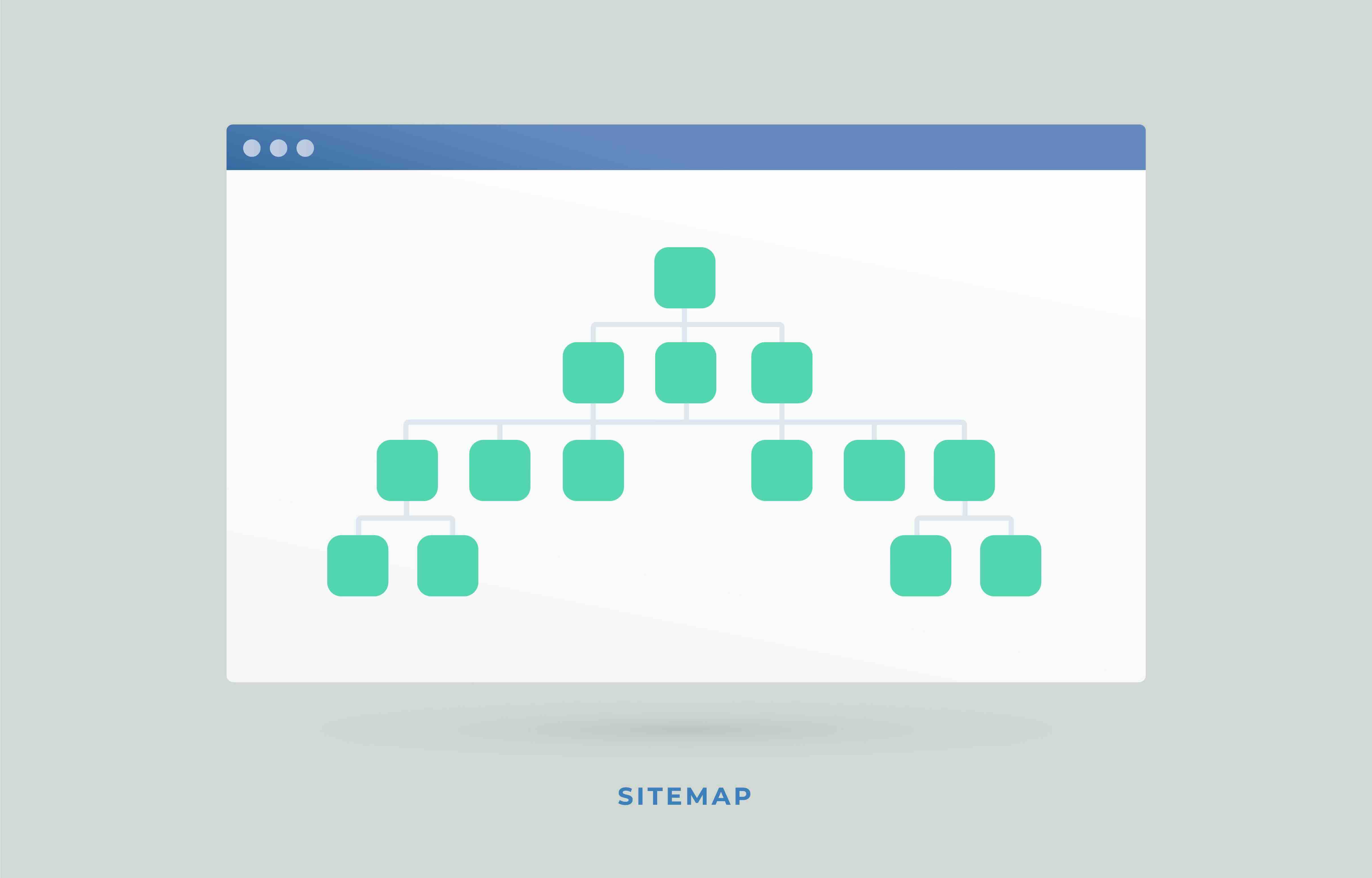
What Is WordPress XML Sitemap Optimization and Why Does It Matter for B2B Websites
If you have ever wondered why certain pages on your WordPress site get indexed quickly while others seem to disappear into a search engine void, the answer often comes back to one foundational technical element: your XML sitemap. An XML sitemap is essentially a structured file that lives on your server and tells search engine crawlers like Googlebot exactly which pages exist on your site, how they relate to one another, and how frequently they tend to be updated. For marketing and creative agencies managing client websites, or for B2B companies running their own WordPress presence, a properly optimized XML sitemap is not a nice-to-have. It is a non-negotiable component of a well-functioning technical SEO infrastructure.
How XML Sitemaps Actually Work Inside WordPress
WordPress has come a long way since the early days of manually generating sitemap files. Since WordPress 5.5, the platform ships with a built-in XML sitemap generator located at yoursite.com/wp-sitemap.xml. This core feature automatically produces a sitemap index that references individual sitemaps for posts, pages, custom post types, taxonomies, and users. It is functional, but it is also relatively basic. The default output does not include lastmod timestamps, does not allow you to exclude low-value URLs like tag archives or author pages, and offers no priority or changefreq customization. For a simple blog, that might be acceptable. For a B2B company with a sophisticated content strategy, multiple service pages, case studies, and landing pages, the native implementation leaves a lot of opportunity on the table. This is where plugins like Yoast SEO, Rank Math, or All in One SEO come into the picture, offering granular control over what gets included, excluded, and how the sitemap is structured for maximum crawl efficiency.
The Role of XML Sitemaps in Crawl Budget Management
Crawl budget is one of those technical SEO concepts that sounds intimidating but is actually straightforward once you break it down. Every site gets a finite amount of crawl attention from search engines. Google's crawlers allocate a certain number of requests per day to your domain based on factors like server response time, site authority, and content freshness. If your sitemap is bloated with URLs that have thin content, redirects, noindex tags, or canonical tags pointing elsewhere, you are essentially wasting that crawl budget directing bots toward pages that contribute nothing to your organic visibility. For B2B websites in competitive verticals like marketing, legal tech, SaaS, or financial services, crawl budget mismanagement can directly impact how quickly new service pages or thought leadership content gets discovered and ranked. A clean, precise XML sitemap acts as a curated roadmap that directs crawler attention toward pages that actually deserve to rank.
Key Advantages of a Well-Optimized WordPress XML Sitemap
Getting your XML sitemap right delivers compounding benefits across your entire SEO program. Here is what a properly structured sitemap does for a B2B WordPress site in practical terms:
- Accelerates indexation of new content, especially important for agencies publishing frequent case studies or blog posts
- Reduces crawl waste by excluding paginated archives, utility pages, and low-equity URLs
- Improves search engine understanding of your site architecture and content hierarchy
- Supports faster re-indexation when you update service pages, pricing, or portfolio content
- Creates a cleaner signal for Google Search Console diagnostics and coverage reports
- Enhances coordination with your robots.txt file to form a complete crawl governance strategy
These are not theoretical benefits. When an agency or B2B brand publishes a new capability page or launches a campaign landing page, the difference between a well-managed sitemap and a neglected one can mean days or even weeks of indexation delay. In fast-moving markets, that gap has real commercial consequences.
Common Drawbacks and Mistakes That Undermine Sitemap Performance
The mistakes agencies and in-house teams make with WordPress sitemaps are surprisingly consistent. The most common is including noindexed URLs in the sitemap. This creates a direct contradiction: you are telling Google not to index a page while simultaneously including it in the document meant to guide indexation. Search engines will generally honor the noindex directive, but the inclusion still consumes crawl budget and creates confusing signals. Another frequent error is failing to update the sitemap reference in Google Search Console after migrating to a new plugin or changing domain structure. Stale sitemap submissions can persist in Search Console for months without anyone noticing, causing coverage gaps that silently suppress organic performance. Additionally, many WordPress sites accumulate duplicate content through category and tag taxonomy pages, author archives, and date-based archives. Without intentional exclusion rules in your sitemap configuration, these pages get submitted and indexed, diluting the topical authority of your core content. Finally, image and video sitemaps are almost universally neglected by B2B teams, even though they can drive meaningful incremental traffic from image search and video platforms integrated with Google's index.
How to Configure Your WordPress XML Sitemap the Right Way
The configuration process is more accessible than most people expect, particularly with a capable plugin handling the heavy lifting. Start by auditing what is currently being submitted to Search Console. Review your coverage report and identify any indexed URLs that should not be visible to search engines. From there, access your sitemap plugin settings and systematically exclude post types and taxonomies that lack strategic value. Disable author sitemaps unless your site relies on personal branding for individual contributors. Set the sitemap to automatically regenerate after content publishes or updates, and verify that your sitemap URL is properly referenced in your robots.txt file. Once the sitemap is clean, resubmit it through Google Search Console and monitor the coverage report over the following two to three weeks for improvements in indexed page counts and reduction in crawl errors. This process is not a one-time task. Sitemap governance should be revisited quarterly, especially for growing B2B sites that are consistently adding content, launching new service areas, or undergoing CMS restructuring.
XML Sitemaps and Their Relationship With WordPress Site Architecture
Sitemap optimization does not exist in isolation. It is deeply connected to your overall site architecture decisions. In 2026, Google's crawling and indexing systems have grown increasingly sophisticated, but they still rely on clear structural signals to understand content relationships. Your XML sitemap complements internal linking strategy, breadcrumb schema, and URL hierarchy by providing an explicit declaration of what matters on your site. For creative and marketing agencies managing WordPress sites for clients, this means sitemap configuration should be treated as part of the broader information architecture conversation, not as an afterthought during launch. When sitemap structure aligns with logical content siloing and a coherent internal link strategy, the result is a site that communicates topical authority clearly and earns better crawl prioritization over time.
What B2B Marketing and Creative Agencies Should Prioritize Right Now
The agencies and B2B brands that are winning in organic search right now are not necessarily those with the most content. They are the ones with the cleanest technical foundations. XML sitemap optimization is a high-leverage, relatively low-effort intervention that pays dividends across every other SEO activity you invest in. It makes your content work harder, your crawl budget go further, and your Search Console data more reliable. If your WordPress site has been live for more than a year and you have never done a sitemap audit, there is almost certainly opportunity sitting undiscovered. Start with a Search Console coverage report, cross-reference it with your current sitemap output, and identify the gaps. The findings are often illuminating and sometimes a little uncomfortable, but they consistently point toward clear, actionable improvements.
Why Kreativa Group Is the Right Partner for WordPress Technical SEO
Technical SEO is one of those disciplines where experience and pattern recognition matter enormously. At Kreativa Group, we bring a track record that spans multi-billion dollar brands, global creative accounts, and high-growth startups, which means we have seen what works at scale and what causes quiet, compounding damage to organic performance. Our team has launched over two dozen websites across WordPress, Webflow, and Shopify, and we treat technical SEO not as a checklist but as an integrated strategy tied directly to business outcomes. We have driven over $200 million in incremental revenue and maintained an average ROAS above 7x, which is only possible when the technical infrastructure underneath a marketing program is solid. If you are ready to find out exactly where your WordPress site is leaving organic performance on the table, start with a free growth audit from Kreativa Group and get a clear picture of what is holding your site back and what it would take to fix it.
Frequently Asked Questions About WordPress XML Sitemap Optimization
What is an XML sitemap in WordPress?
An XML sitemap is a structured file that lists the URLs on your WordPress site and provides metadata about each one. It helps search engines like Google discover and prioritize the pages they should crawl and index.
Does WordPress automatically generate an XML sitemap?
Yes. Since WordPress 5.5, a basic XML sitemap is generated automatically at yoursite.com/wp-sitemap.xml. However, the default output has limited customization options, which is why most SEO-focused teams use a plugin like Yoast SEO or Rank Math for more granular control.
Should I use a plugin for my WordPress sitemap or rely on the default?
For most B2B websites, a plugin is the better choice. Plugins allow you to exclude low-value URLs, add lastmod timestamps, manage image sitemaps, and integrate directly with Google Search Console in ways the default WordPress sitemap cannot.
How do I submit my WordPress sitemap to Google Search Console?
Log into Google Search Console, navigate to the Sitemaps section under Indexing, enter your sitemap URL, and click Submit. Google will begin processing it within hours, and you can monitor coverage results over the following days and weeks.
What URLs should I exclude from my WordPress XML sitemap?
You should exclude any URLs with noindex tags, paginated archive pages, author archive pages, tag pages with thin content, utility pages like login or cart pages, and any pages that have canonical tags pointing to another URL.
How often should WordPress automatically update my sitemap?
Most SEO plugins update the sitemap dynamically whenever content is published or modified. You should verify this behavior is active in your plugin settings and confirm that Google is picking up new URLs by monitoring your Search Console coverage report regularly.
What is crawl budget and how does my sitemap affect it?
Crawl budget refers to the number of pages Googlebot will crawl on your site within a given timeframe. A bloated sitemap filled with low-value or duplicate URLs wastes that budget on pages that cannot rank, reducing the crawl attention available for your strategically important content.
Can a poorly configured sitemap hurt my SEO rankings?
Yes. Including noindexed or canonicalized URLs in your sitemap sends contradictory signals to search engines, wastes crawl budget, and can delay the indexation of new or updated content, all of which can negatively affect your search visibility over time.
What is an image sitemap and should my WordPress site have one?
An image sitemap is an extension of your standard XML sitemap that provides metadata about images on your site. It helps Google index your images for image search results. For agencies and B2B brands with strong visual content like portfolios or case studies, an image sitemap can drive meaningful incremental traffic.
How do I know if my WordPress sitemap is working correctly?
Check your Google Search Console Sitemaps report to confirm your sitemap was submitted and processed without errors. Then cross-reference the number of submitted URLs with the number of indexed URLs. Significant gaps between those two figures are a clear signal that something in your sitemap configuration needs attention.